

PORTALS FOR CUSTOMERS AND PARTNERS
B2B and customer portals.
We build portals where customers and partners place orders, access documents and track progress themselves. We connect the experience with your CRM, ERP and internal workflows.
From one self-service workflow to a portal with multiple roles and integrations.

When a dedicated portal makes sense
Orders get lost in conversations
Requests arrive through different channels, leaving the team to collect the details manually.
The same documents are requested again
Invoices, agreements and completion documents need to be found and resent each time.
Only the account manager knows the status
Customers have to call or write to find out what is ready and what happens next.


A WORKSPACE FOR YOUR AUDIENCE
Purchasing tools for partners. Clear service for customers.
We shape the portal around what people need to do themselves. Partner and customer workflows can share the same system.
FOR DEALERS, DISTRIBUTORS AND BUSINESS BUYERS
A B2B portal for partners
Partners work with your business through their own account: available products, agreed terms and purchase history. New and repeat orders follow a clear process.
- A catalogue and company-specific terms.
- Orders, repeat purchases and approvals.
- Invoices, documents and fulfilment status.
For manufacturers, wholesale suppliers and businesses with a partner network.
Discuss a partner portal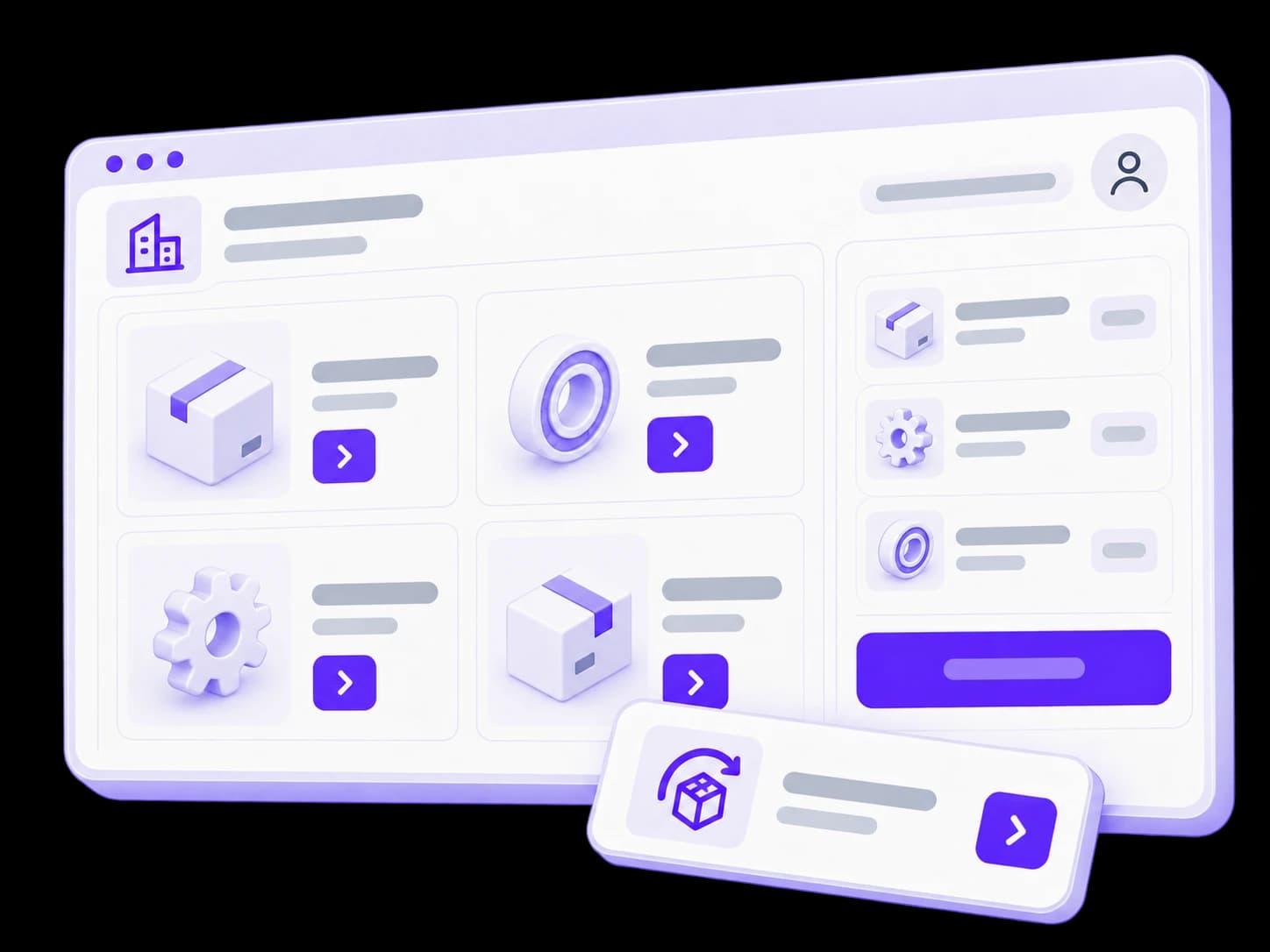
FOR CUSTOMERS OF SERVICE BUSINESSES
A customer portal for ongoing service
Customers submit requests, attach materials and follow progress. Documents, messages and next steps stay with the relevant request or project.
- Requests, services and relationship history.
- Status updates, files and approvals in one place.
- Contact with the responsible person and change notifications.
For service companies, logistics, ongoing support and project-based work.
Discuss a customer portal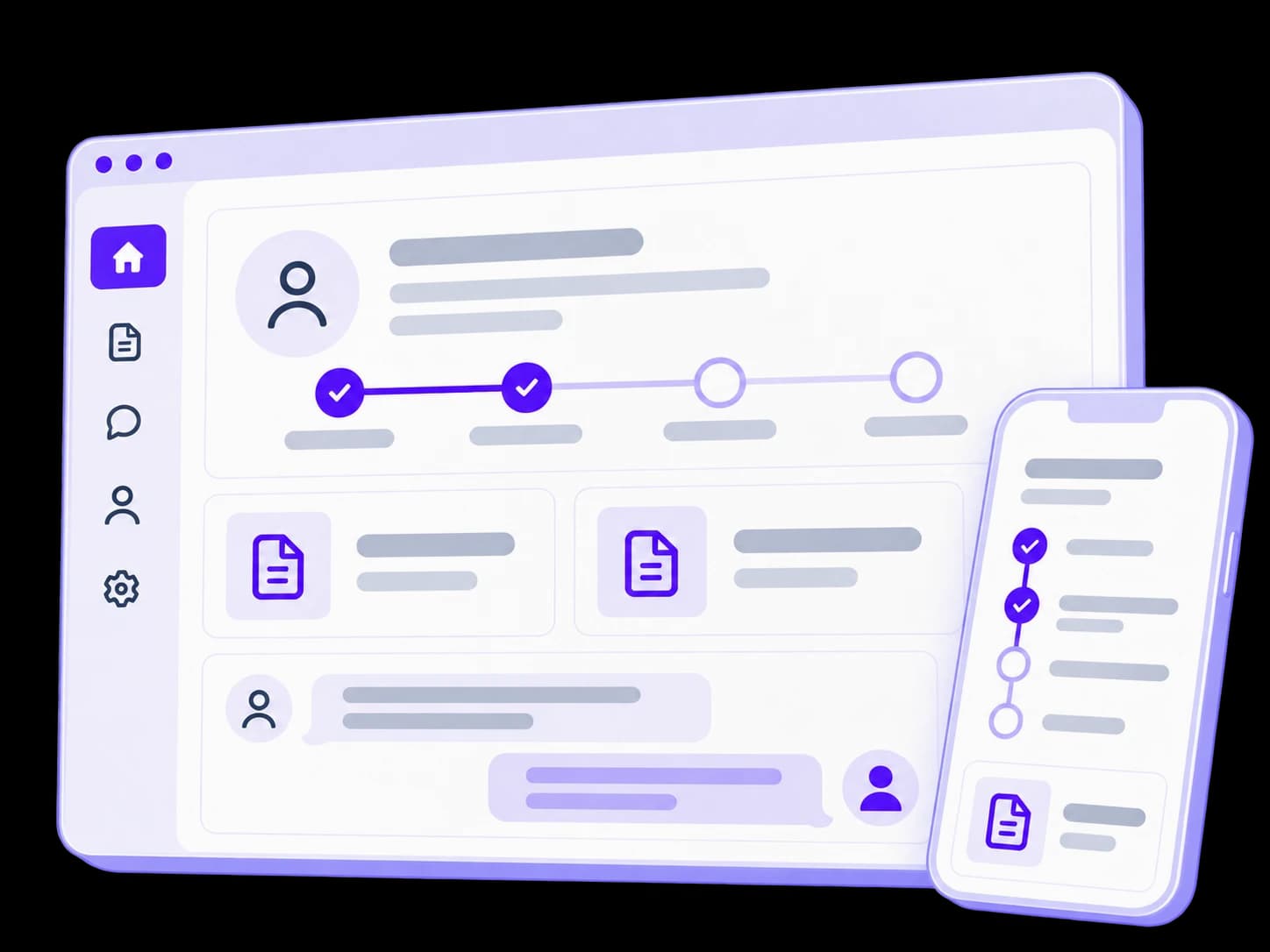


AN EXAMPLE WORKFLOW
From request to completion, with a clear status
Customers see their actions and the next step. Your team receives the information it needs and updates progress in the agreed system.

Request
Customer or partner
Creates an order or request, adding details and files.
Your team
Receives a structured request and assigns an owner.
Approval
Customer or partner
Reviews the terms and confirms the required option.
Your team
Clarifies scope, availability or timing and records the agreement.
Progress
Customer or partner
Sees the current status, messages and any action they need to take.
Your team
Updates progress in the portal or a connected system.
Completion
Customer or partner
Receives the outcome and documents, and can start another request.
Your team
Closes the work and retains the interaction history.
This is an example, not a mandatory sequence. Stages, approvals, payments and delivery depend on your workflow.
What your portal can include
We choose capabilities around real user actions. The first release can cover one complete workflow, with further capabilities added over time.
Companies, users and access
Company accounts, employee invitations and role-based permissions. We define who can view information, submit requests and approve actions.
Orders and repeat purchasing
A catalogue or request form, agreed terms, history and reordering. Pricing and validation rules are aligned with your existing systems.
Documents and payment information
Invoices, agreements and payment status alongside the relevant transaction. We define where documents originate and who can access them.
Status updates and notifications
Clear request or order progress, change history and event notifications. Users can see when they need to take action.
Requests and approvals
Team requests, attachments, comments and confirmations. Conversations stay in the context of the issue they concern.
Portal administration
Tools to manage companies, permissions, reference data and requests. Agreed key actions are logged for review.


Payments, electronic signing, complex catalogues and external integrations are included where needed, after checking the relevant services.
DATA AND ACCESS RULES
Your portal works with your existing systems
The portal can give customers an external interface to existing workflows. Before development, we define what it shows, where the information comes from and where changes can be made.
Portal
Customers and partners
Orders, documents and progress in one place.
Connected systems
CRM
Customers and requests
ERP / accounting
Orders and payments
Documents and services
Files, signing, delivery

A defined source for each type of data
We identify the authoritative system, update rules and owners for prices, statuses and documents to avoid conflicting copies of the same information.
Access by company and role
We define which orders, documents and actions each company and role can access. We test these rules to keep information separate between customer accounts.
Predictable data exchange
We account for delays, errors and retries, including what users see when an external service is temporarily unavailable.


How we build and launch your portal
We test the full journey, from sign-in to the result of an action in your systems, as well as the individual screens.
01. Workflows and roles
We walk through typical orders or requests, identify users and permissions, and agree the first workflow to launch.
Workflows, roles and first-release scope02. Prototype and data connections
We agree screens, statuses, actions and data sources, then check API availability and integration constraints.
Prototype and data exchange plan03. Development and integrations
We build the portal, administration tools and agreed connections. Working scenarios are demonstrated using prepared test data.
A working version for review04. Access and workflow testing
We test different companies and roles, documents, errors, repeat requests and mobile use. Checks cover the complete transaction journey.
Tested workflows and launch conditions05. Pilot and launch
We invite an agreed user group, gather feedback and refine the workflow. Access and instructions are handed over, with ongoing support agreed separately.
Launch and a plan for further improvements


START WITH YOUR WORKFLOW
What we need for an initial estimate
Start by explaining who will use the portal and which task they should complete themselves. A full specification is not required for the first conversation.
Discuss the first releaseCost and timing depend on workflows, permissions, integrations and data readiness. Once scope is clearer, we prepare an initial estimate with its assumptions and dependencies.
Users and companies
Who needs access, which roles exist and whether actions require approval.
One typical workflow
An example order or request: inputs, stages, documents and the expected outcome.
Existing systems
CRM, ERP, accounting, file storage and other services that need to exchange information.
First-release scope
Essential capabilities, target timing, languages and the users joining the pilot.


QUESTIONS
Portal questions

Portals
LET’S DISCUSS YOUR PORTAL
Give customersa simpler way to work with you.
Tell us which orders, documents or requests currently pass through account managers. We will identify the first workflow worth bringing into a portal.