
Site footer

Draxon Systems

Reviewed on Clutch

5.0

Draxon Systems profile

Services

  • Custom Development & Web Solutions
  • Business Systems & Integrations
  • AI & Intelligent Automation
  • E-commerce Platforms

Company

  • About
  • Portfolio
  • Services
  • Blog
  • Book a strategy call

Contact

© 2026 Draxon Systems. All rights reserved.

Privacy PolicyTerms of ServiceCookie PolicySitemap
Draxon Systems
Services
PortfolioAboutBlog
View our workGet consultation
ENUA
  1. Services
  2. /BUSINESS SYSTEMS & INTEGRATIONS

BUSINESS SYSTEMS & INTEGRATIONS

Connect your workflows, data and team in one understandable system.

Build CRM, internal operations systems and integrations around how your business works. Define accountable owners, exchange rules and next actions, from the first inquiry to delivery and reporting.
Discuss your business system→Explore the services→
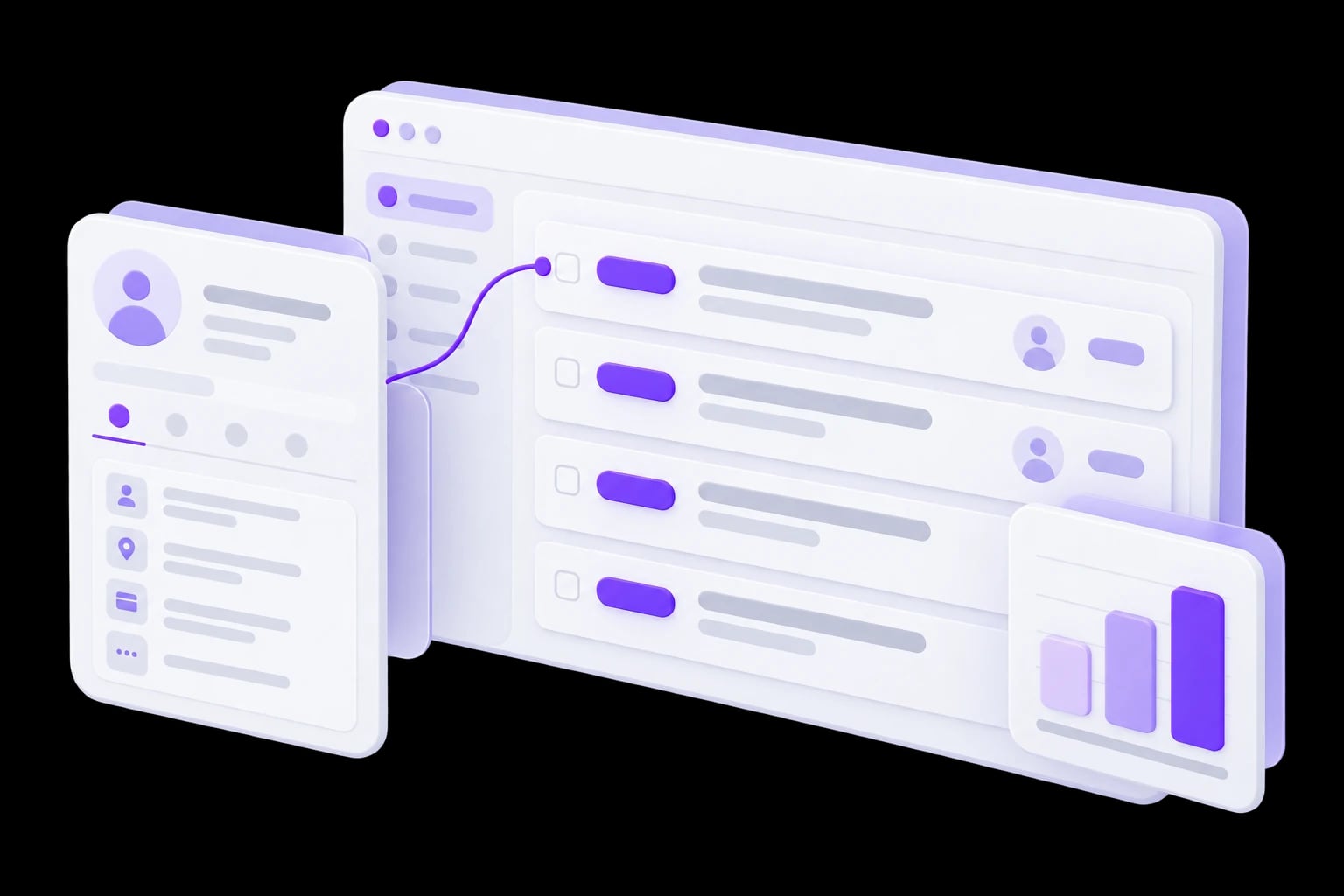
    Connected customer, operations and reporting views

    When your tools no longer keep up

    • Information is transferred manually.

      Customers, requests and statuses are duplicated across applications while updates do not always reach the team.

    • Work gets lost between departments.

      It is unclear who owns the next step and which information is needed to complete it.

    • Reports do not provide a shared view.

      Teams answer the same question with different figures and spend time reconciling them.

    Services that connect daily work

    Five services covering customer relationships, connected workflows and reporting.

    • FOR SALES AND SERVICE

      Custom CRM development→

      Manage customers, deals and next steps in a system built around your team’s workflow.

      • Pipelines and customer records
      • Tasks and interaction history
      • Roles and access permissions

      Explore the service→

    • FOR DAILY TEAM OPERATIONS

      Internal operations systems and ERP modules→

      Bring internal requests, tasks and resources into one workspace with clear roles.

      • Internal requests and tasks
      • Resource and work-state tracking
      • Role-based access

      Explore the service→

    • FOR REPEATED WORKFLOWS

      Business process automation→

      Coordinate approvals, task handoffs and reminders through clear, agreed rules.

      • Request and approval routing
      • Reminders and escalation
      • Execution history and exceptions

      Explore the service→

    • FOR CONNECTED BUSINESS DATA

      System integrations and APIs→

      Connect CRM, accounting and internal services with visibility into updates and failures.

      • API connections between systems
      • Agreed data update rules
      • Error and retry handling

      Explore the service→

    • FOR INFORMED DECISIONS

      Dashboards and reporting→

      Bring working metrics into dashboards with agreed definitions and underlying records.

      • Consistent metric definitions
      • Filters and comparisons
      • Drill-down to source records

      Explore the service→

    A shared working model for connected tasks

    • Agreed information

      Define records, their relationships and the source of current information.

    • Clear accountability

      Each role sees its work, permitted actions and handoff conditions.

    • Visible data exchange

      Updates, failures and conflicts have clear states and resolution paths.

    • Explainable metrics

      Reports use agreed definitions and traceable source records.

    Examples from our portfolio

    Real portfolio projects related to business systems.
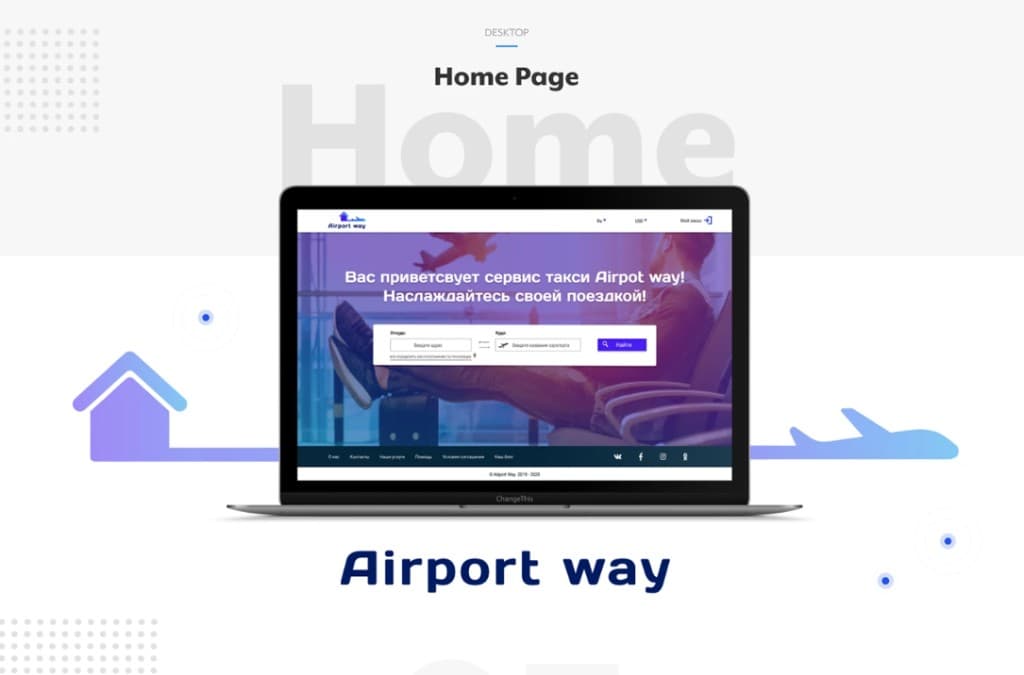
    • Airport operations CRM platform — Airport Way cover

      Operational CRM for airport services

      Team coordination, tasks and work states brought into a shared operational workspace.

        View case→
      • SaaS Internal Platform

        Internal SaaS platform

        Internal workflows, modules and operational oversight for a working team.

          View case→

        From separate tools to coordinated work

        StageWhat we doWhat you receive
        1. 01

          01. Understand the current workflow

          Review participants, tools, information and points where work stops.

          A workflow and constraints map.
          A workflow and constraints map.
        2. 02

          02. Define the first phase

          Choose a scenario, module boundaries and connections to existing applications.

          Agreed first-release scope.
          Agreed first-release scope.
        3. 03

          03. Design rules and interfaces

          Agree roles, states, fields, exceptions and working screens.

          A system model and evaluated scenarios.
          A system model and evaluated scenarios.
        4. 04

          04. Build and verify

          Implement modules and integrations, reconcile information and validate transitions.

          A solution ready for a pilot.
          A solution ready for a pilot.
        5. 05

          05. Launch and evolve

          Start with an agreed user group, train the team and prioritize subsequent work.

          A working pilot and development plan.
          A working pilot and development plan.

        WHERE WE START

        Tell us about the workflow that slows your team down

        Point to the process with the most manual coordination, or briefly describe where time is lost. In the first conversation we identify participants, data sources and a useful first scenario for the system.

        1. 01

          01. Which process currently needs the most manual coordination?

        2. 02

          02. Who is involved, and which decisions are made at each step?

        3. 03

          03. Where are requests, statuses and working data stored today?

        4. 04

          04. What must work in the first release, and what are the timing and constraints?

        A finished specification is not required. We refine the preliminary estimate after reviewing processes, data and integrations.

        Business systems questions

        Do we need to replace all our existing applications?+
        No. We first assess what works, what is missing and where connections are needed. A custom module can complement your existing tools.
        How does a business system differ from a CRM?+
        CRM focuses on customer-related work. A business system may also cover internal requests, resources, approvals, planning and other operations.
        Can we introduce it in stages?+
        Yes. Define the first workflow or module, evaluate it with the team and plan subsequent phases.
        Can we use our existing information?+
        We assess availability, structure and quality, then agree cleanup, mapping and a sample migration with reconciliation.
        How is project cost determined?+
        By the workflows, roles, information, integrations and rollout requirements. An initial assessment establishes the scope and estimate for the first phase.
        What happens after launch?+
        We agree ownership, support, documentation and change procedures. Further modules and improvements follow the team’s operational needs.

        Related services

        • Custom Development & Web Solutions→

          A related service direction.

        • AI & Intelligent Automation→

          A related service direction.

        NEXT STEP

        Make your tools work togetheraround your business rules.

        Tell us where information gets lost and work stalls. We will identify a first step towards a coordinated system.

        Discuss your business system→Cases→