

INTERNAL SYSTEMS & ERP MODULES
Bring daily team operations into one working system.
Build internal tools for requests, tasks, planning and resources. Each role receives the information it needs while work status stays consistent across everyone involved in the process.
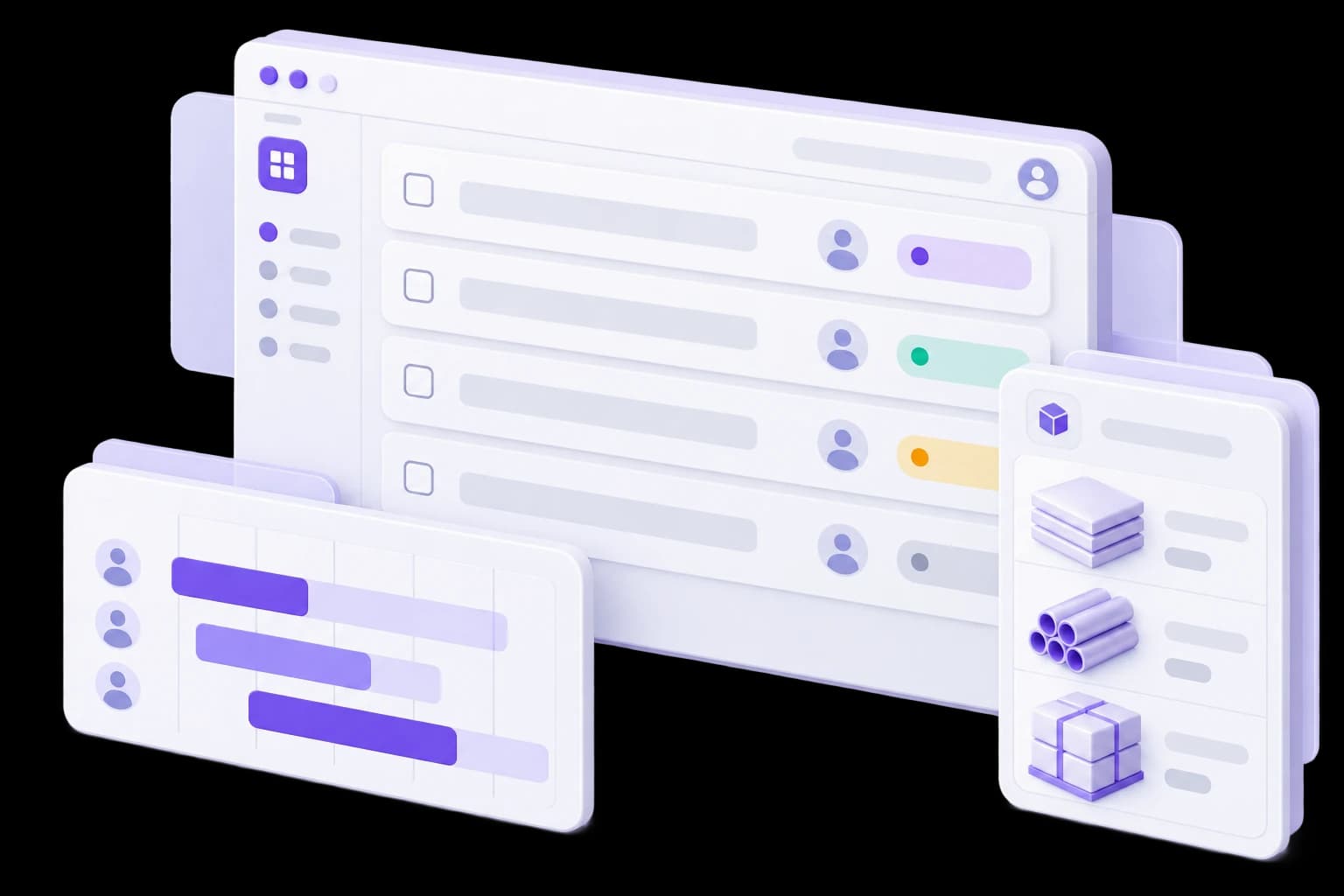
One request. Different responsibilities for each role.
Switch between coordinator, operator and manager. The request data stays the same while available actions and detail reflect each participant’s responsibility.
Demonstration data. This example does not change records or send requests.
Role
DEMO-OPS-032
Equipment service
- Status
- Scheduled
- Location
- Location A
- Scheduled time
- 2 October 2026 at 09:00 EEST
- Assignee
- Service team A
The same request across all roles
Coordinator
Role focus
Queue, assignments and deadlines
Examples of available actions
- Assign an operator
- Adjust the plan
Switching previews a role’s interface. It does not enforce access permissions.
When an internal operations system is needed
Work status is assembled manually.
Staff reconcile spreadsheets and ask colleagues for updates to find out what is complete.
Tasks are disconnected from resources.
Planning, assignments and required materials live in separate tools.
Teams use different versions of the information.
Updates get lost between departments, locations and individual files.
Modules for everyday operations
- Request and task register.Status, deadlines, priorities and activity history in one place.
- Work planning.Queues, workload and assignments based on team availability.
- Resource records.Required materials, equipment or reservations within the agreed workflow.
- Approvals and documents.Connected supporting information, decisions and accountable participants.
- Roles and locations.Permissions and working views for different teams and departments.
- Oversight and integrations.Operational views and information exchange with existing tools.


Agree the boundary between operations and accounting
Not every function needs to move into a custom system. Define where staff plan and perform work and where specialist accounting remains. Agree the information, ownership and exchange rules connecting those parts.
- Where is an operational request created?
- Who confirms completion?
- What information reaches accounting?
- How are mismatches reconciled?
Portfolio example

An internal platform for teams and workflows
A modular system with working scenarios and operational oversight. An example of evolving an internal platform around team tasks and an agreed architecture.
View case studyFrom daily tasks to the first working module
01. Understand the team’s work
Identify requests, participants, resources and existing constraints.
An operational workflow map.02. Define module boundaries
Agree what stays in existing applications and which connections are needed.
First-module and integration scope.03. Design roles and screens
Evaluate the coordinator, operator and manager workflows.
Agreed scenarios and permissions.04. Build and reconcile
Implement the module and verify transitions, access and a sample migration.
A module ready for team review.05. Roll out gradually
Agree the cutover, instructions and support for the first user group.
A pilot and team rollout plan.


ESTIMATE
Define the first module together
Show one recurring task: how it starts, who performs it and where the result is recorded. Bring sample records, roles, existing systems and the information that needs to move between them.
Discuss your internal systemQUESTIONS & ANSWERS
Internal systems questions
Short answers before we discuss your project.

Questions and answers
NEXT STEP
Make daily workclear across your team.
Define the first module, required information and connections to your existing tools.