

SYSTEM INTEGRATIONS & APIS
System integrations and APIs with visibility into every exchange.
Connect CRM, ERP, accounting, internal platforms and external services. Establish which information moves between them, who owns its accuracy and what happens when an update cannot be completed.
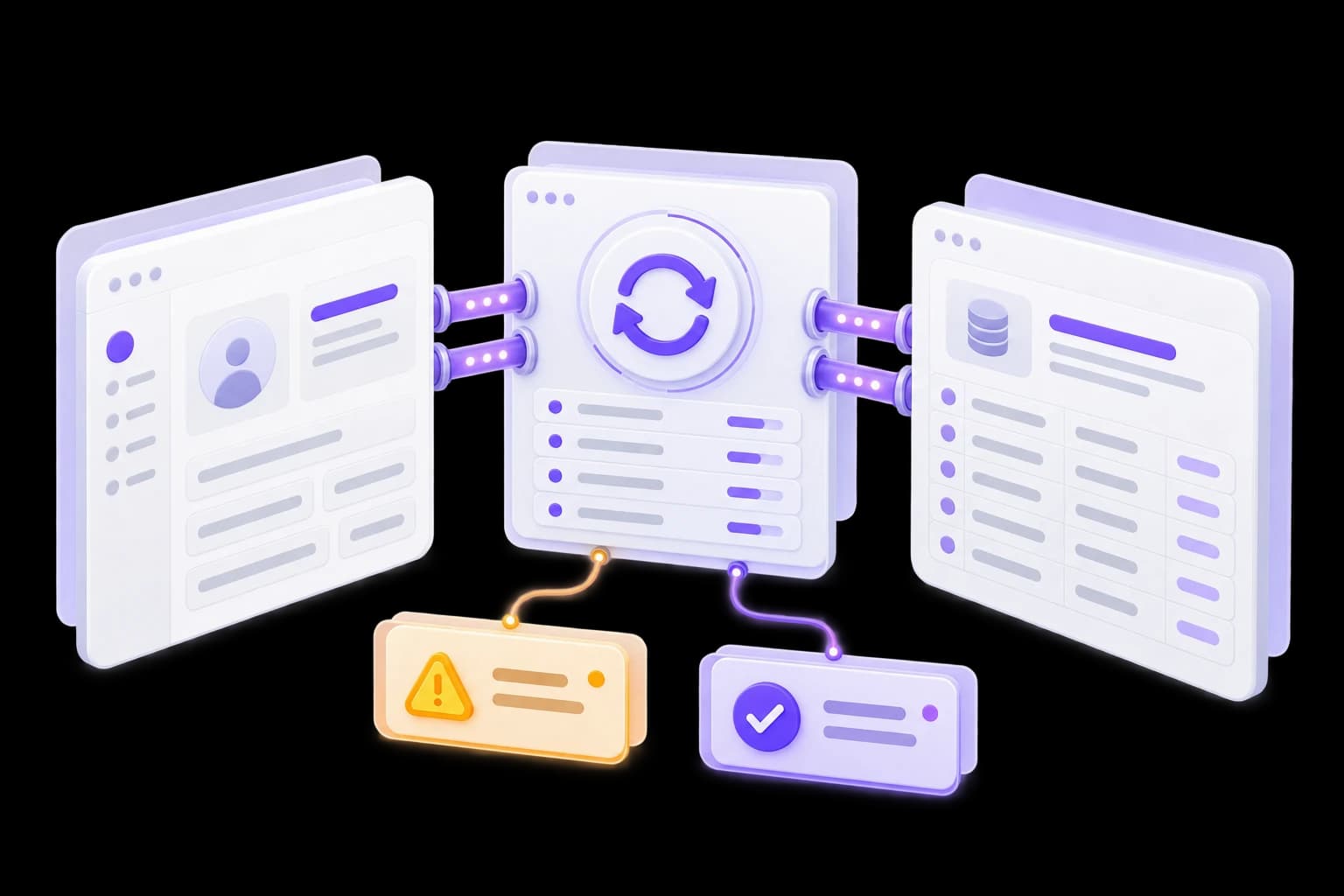
See what was transferred. Know what needs review.
Switch between a successful exchange, an unavailable system and conflicting changes. Each state has a clear outcome: a confirmed update, waiting or a review task.
Demonstration data. This example does not change records or send requests.
Exchange scenario
Record: DEMO-CUST-021 · Operation: DEMO-SYNC-071
CRM
Version 3
Exchange status
Update confirmed
Accounting system
Version 3
Version numbers in two systems do not by themselves prove the data match.
Example log
- Record validated
- Update transferred
- Acknowledgement received
Next action
Review the log entry
When an integration is needed
The same records exist in several applications.
Staff copy changes manually while some information becomes outdated.
Existing exchange is difficult to monitor.
The team learns about a failure only when a missing record is needed.
A new service needs connecting.
A standard connector does not support your fields, statuses or rules.
Connections we design
- CRM and accounting.Agreed company, customer, document and status information within the selected workflow.
- Internal systems.Record exchange between operational modules and corporate services.
- Inquiry channels.Requests received from forms, email and supported external channels.
- Custom APIs.Interfaces for partners, portals and internal applications with defined permissions.
- Events and scheduled exchange.Updates triggered by events or schedules according to system capabilities.
- Monitoring and reconciliation.Logs, statuses, retries and checks for mismatched records.


Every field needs an agreed source
Two-way exchange requires explicit ownership. Contact information may be maintained in CRM while an accounting reference belongs to another application. We agree identifiers, precedence and conflict handling so updates do not silently overwrite each other.
- Who creates the record?
- Where is each field maintained?
- How are versions compared?
- Who reviews an exception?
Portfolio example

Integrations within an automation platform
CRM, internal services, databases and interaction channels connected through a shared operational model. An example of integrations supporting a managed workflow.
View case studyFrom system access to verified exchange
01. Check system capabilities
Review APIs, access, limits and sample records.
A connection map and constraints.02. Agree data rules
Define fields, identifiers, ownership and conflict handling.
An exchange model and update rules.03. Build a test connection
Evaluate normal requests, failures, retries and delays.
A test integration and findings.04. Add operational visibility
Configure logs, notifications and record reconciliation.
Visible states and exception handling.05. Roll out gradually
Connect the agreed workload and verify it with accountable staff.
Working exchange and operating instructions.


ESTIMATE
What helps us estimate the integration
Bring system names and versions, the required exchange and sample records. API documentation or access to a system owner helps identify constraints early.
Discuss an integrationQUESTIONS & ANSWERS
Integration questions
Short answers before we discuss your project.

Questions and answers
NEXT STEP
Connect your systemsthrough agreed rules.
Tell us which information needs to move between which applications. We will identify capabilities and the first workflow.