

Web applications & complex platforms
Web applications and complex platforms built around your workflows.
We build web applications for requests, documents, approvals and data. We bring the actions your team needs, access permissions and integrations into one interface.

Where do webegin?
We start with your situation: bringing your team’s work together, building a new platform or improving an existing application.
Work is spread across tools
Requests are in chats, data is in spreadsheets and statuses live in separate services. We identify the shared workflow and what to bring together in the first release.
You need a new platform
You have a business problem and future users. We help define their actions, roles, required data and connections to other systems.
Your application is hard to extend
Changes take too long and integrations are unreliable. We examine the existing system and plan improvements in manageable stages.


What your web platformcan do
We design features around people’s daily work, from approvals and permissions to data exchange between systems. The module scope follows your specific needs.
01/06
Workflows and business rules
Requests, approvals, checks and status changes follow a defined path. We design transitions and edge cases so people know what to do next and work doesn't disappear between chats and spreadsheets.
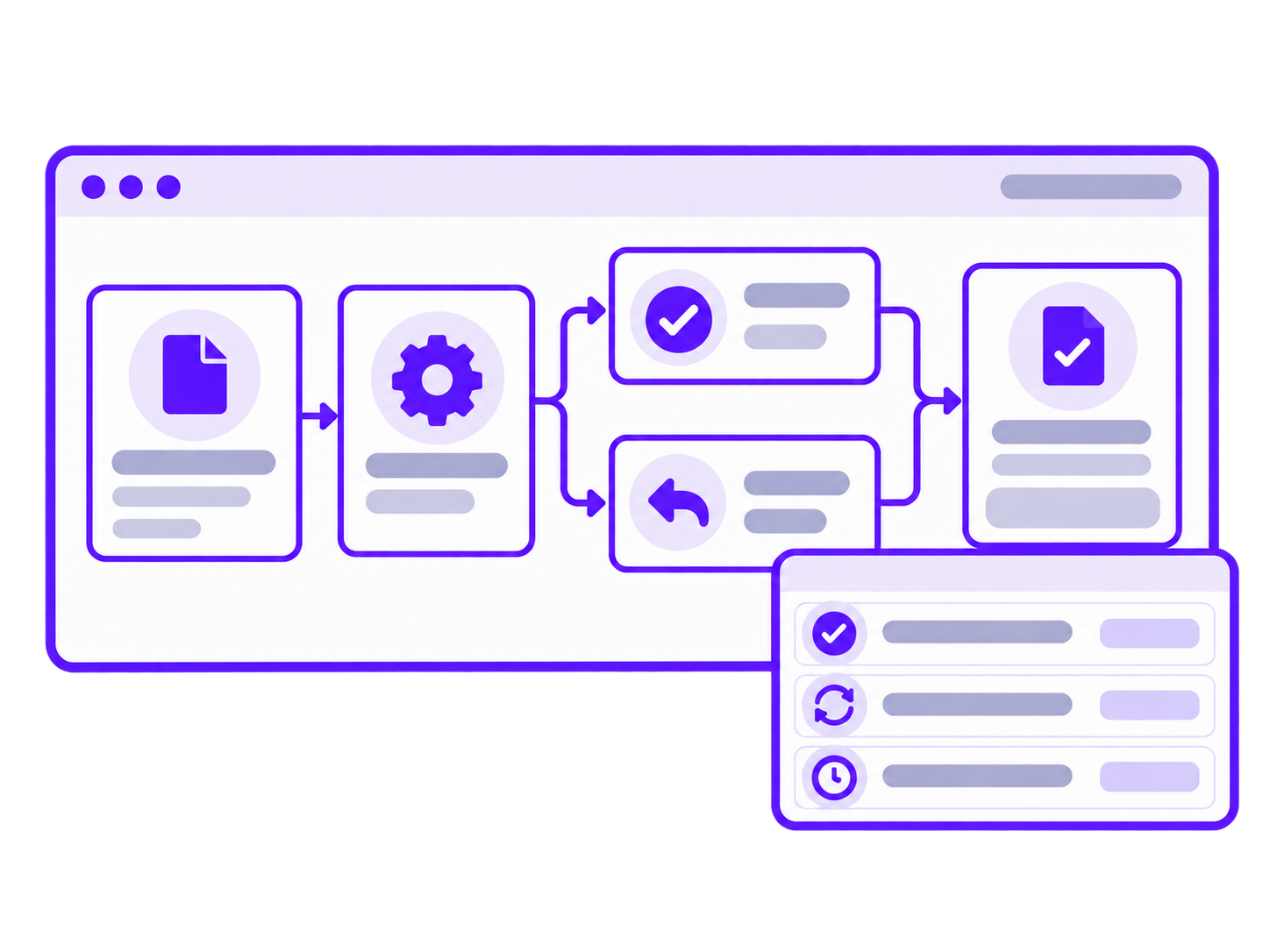
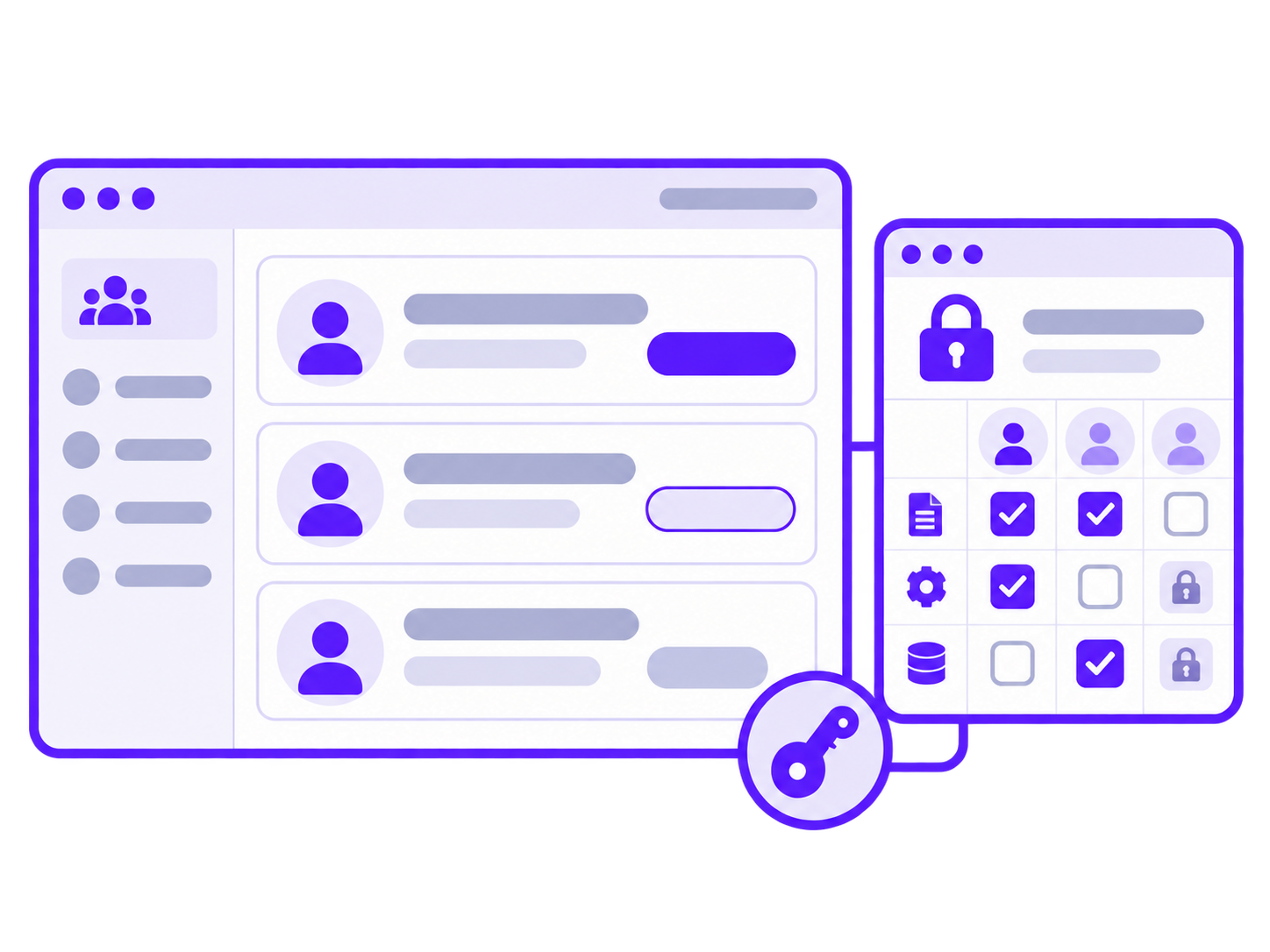
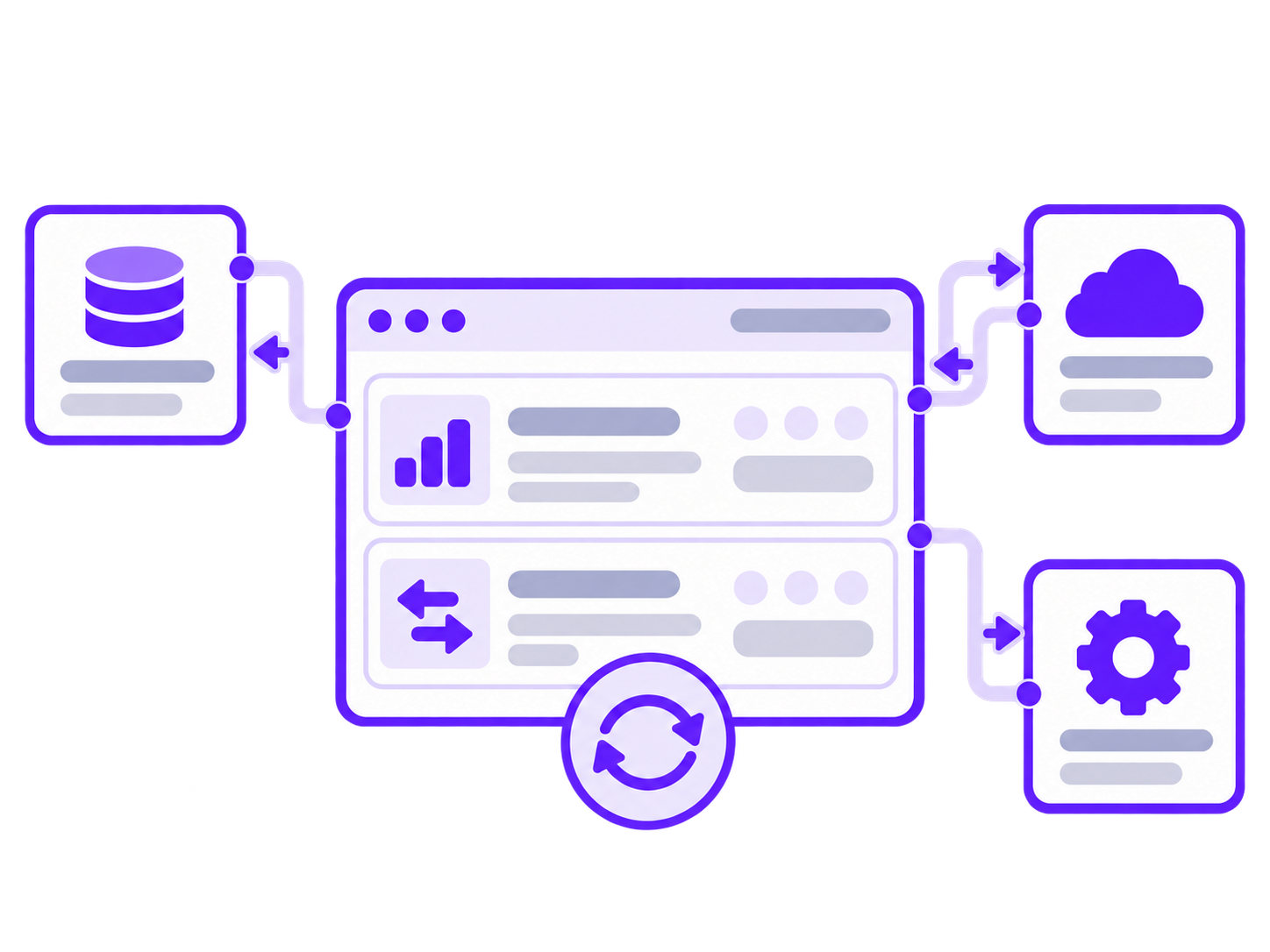
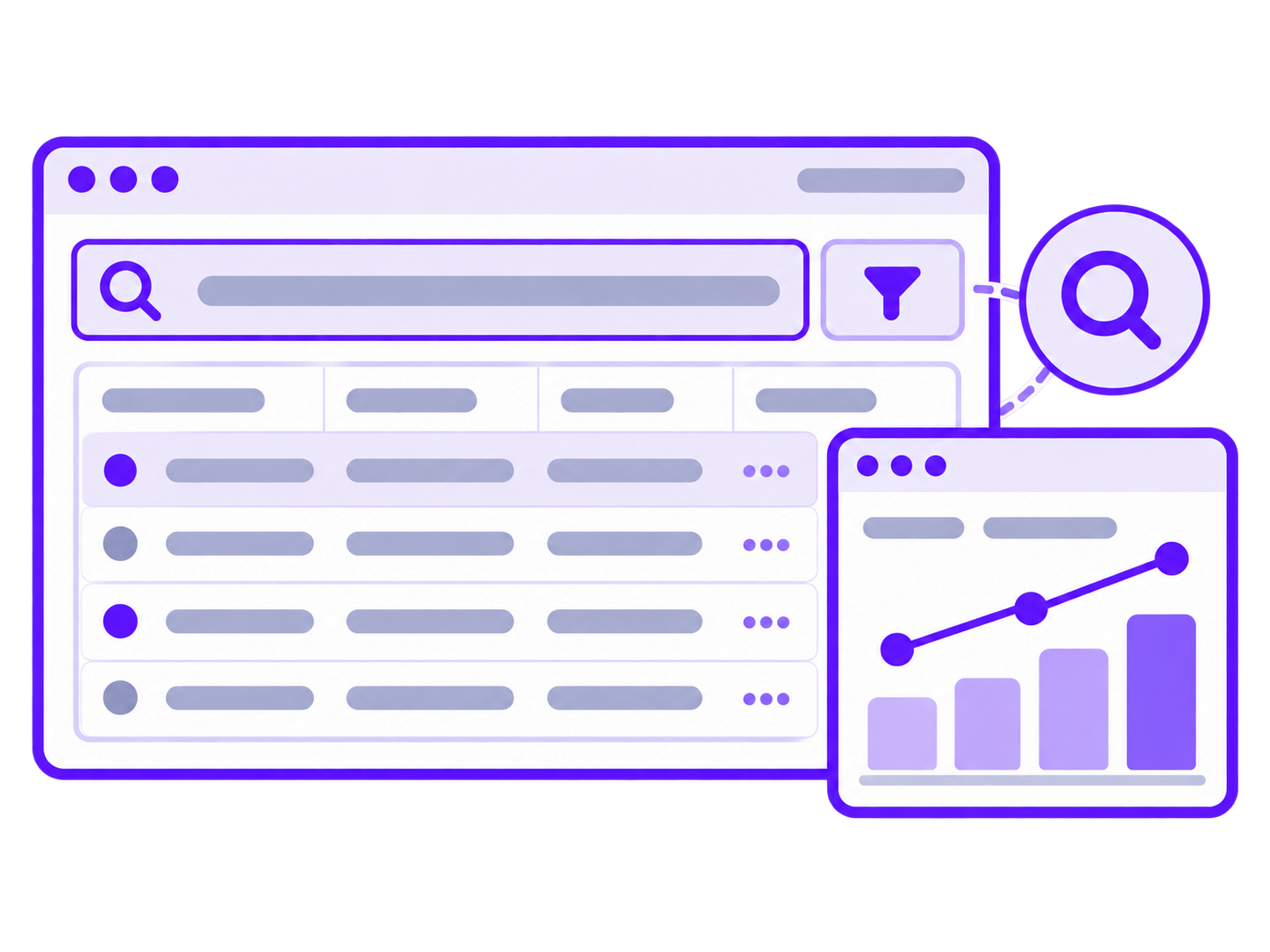
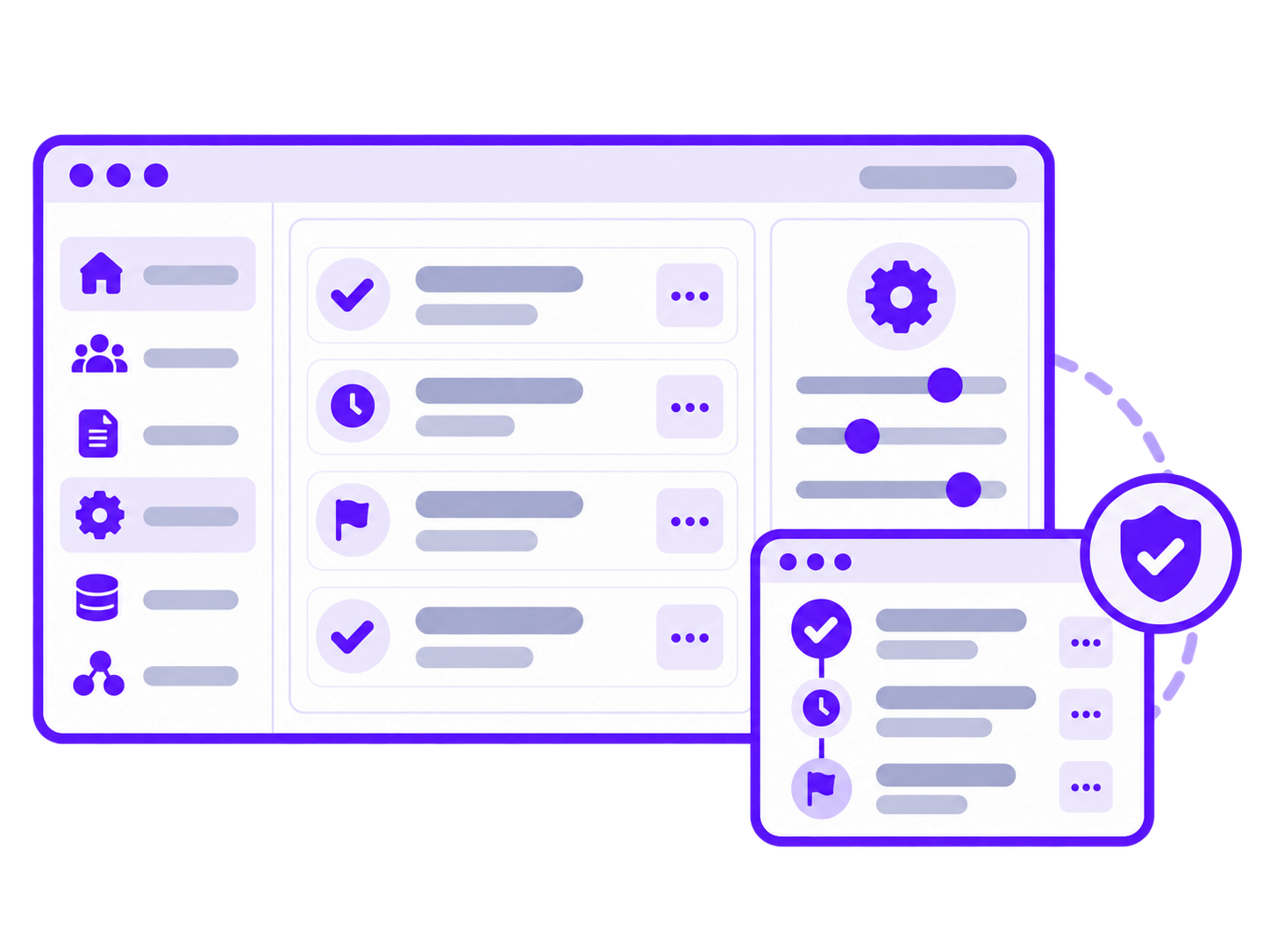
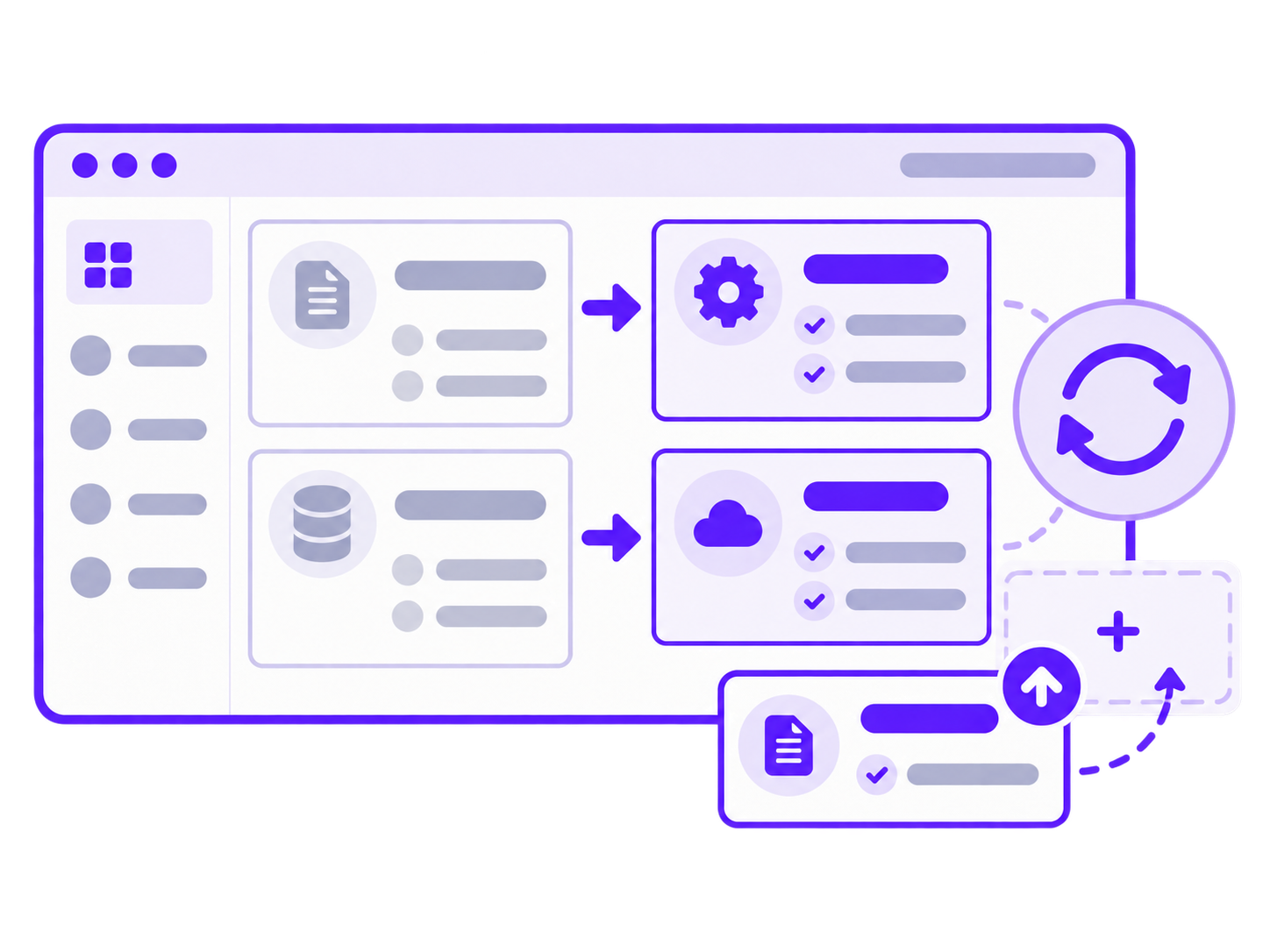
01 of 06: Workflows and business rules. Requests, approvals, checks and status changes follow a defined path. We design transitions and edge cases so people know what to do next and work doesn't disappear between chats and spreadsheets.
Controlled workflows
From request to completion in a controlled workflow.
FROM REQUEST TO EXECUTION
How a complex workflowworks in one system
Each person can see their next action. Statuses, decisions and related data stay connected throughout the workflow.


01Create the request
A user describes the need and attaches supporting information. The system saves the data and routes the request to the responsible person.
RequesterCreated02Validate the information
A coordinator checks that the information is complete. If needed, they return the request for clarification with a clear comment.
CoordinatorValidated03Approve the request
An approver reviews the relevant information and makes a decision. The approval history stays with the request.
ApproverApproved04Execute and exchange data
The request moves to the assignee and the required data goes to the connected system. The team can see the current status and who is responsible.
AssigneeIn progress

Create the request. Requester. Created.
This example illustrates one possible workflow. We design the stages, roles and integrations around your processes.
An example of a complex system in practice
See how we structure roles, data and working scenarios in a real project.

Healthcare platform
Healthcare Platform & Admin System
The task
Build a medical platform with an admin panel for internal workflows and patient-related data.
Our work
We delivered structured UX scenarios, roles and product branding.
An example of bringing roles, data and working scenarios together in one complex system.
View the case studyHow we build a web application
From workflow to launch: each stage has a concrete outcome and agreed next steps.
01. Discovery
We examine how people work, their current tools and constraints. Together, we identify the critical workflows for the first phase.
Problem map and first-phase criteria02. Scope and architecture
We agree on modules, data, roles and integrations. For an existing system, we map dependencies and sequence the changes.
Implementation plan and key dependencies03. UX/UI design
We design working screens and the transitions between them. We review prototypes against key scenarios, errors and exceptions.
Prototypes and interface design04. Development and integrations
We build the system in parts, connect the agreed services and share working versions.
Modules and workflows ready for review05. Validation and launch
We check permissions, data and critical workflows. We prepare the release and data migration where needed.
Validated release and launch plan06. Support and development
We gather feedback and monitor system behaviour. Together, we prioritize fixes and the next features.
Priorities for further improvements


How we estimatescope and timing
Estimates depend on workflows, data and the condition of existing systems. We first establish the boundaries of the initial stage and the assumptions that may affect the work.
What shapes the estimate
Workflows and roles
The tasks users perform, where approvals or exceptions occur and which access levels are needed.
Data and migration
What already exists, the quality of the data and whether it needs to move.
Integrations
Which systems must exchange information and how ready their APIs and documentation are.
Operational requirements
Expected load, data protection, availability and the constraints that matter to your project.
Existing code and infrastructure
What can be reused, what needs investigation and which changes must happen without interrupting operations.


ABOUT WEB APPS
Questions about web application development
Practical answers from the first conversation through platform evolution.

Before we start
Development and integrations
Timing and ongoing work
Let's discuss your system
Complex work can happenin one clear workspace.
Tell us how your team works today and what’s holding it back. We’ll help define the first phase, required integrations and the questions to resolve before an estimate.