

AI FOR INCOMING DOCUMENTS & REQUESTS
Documents and inquiries — turned into structured data.
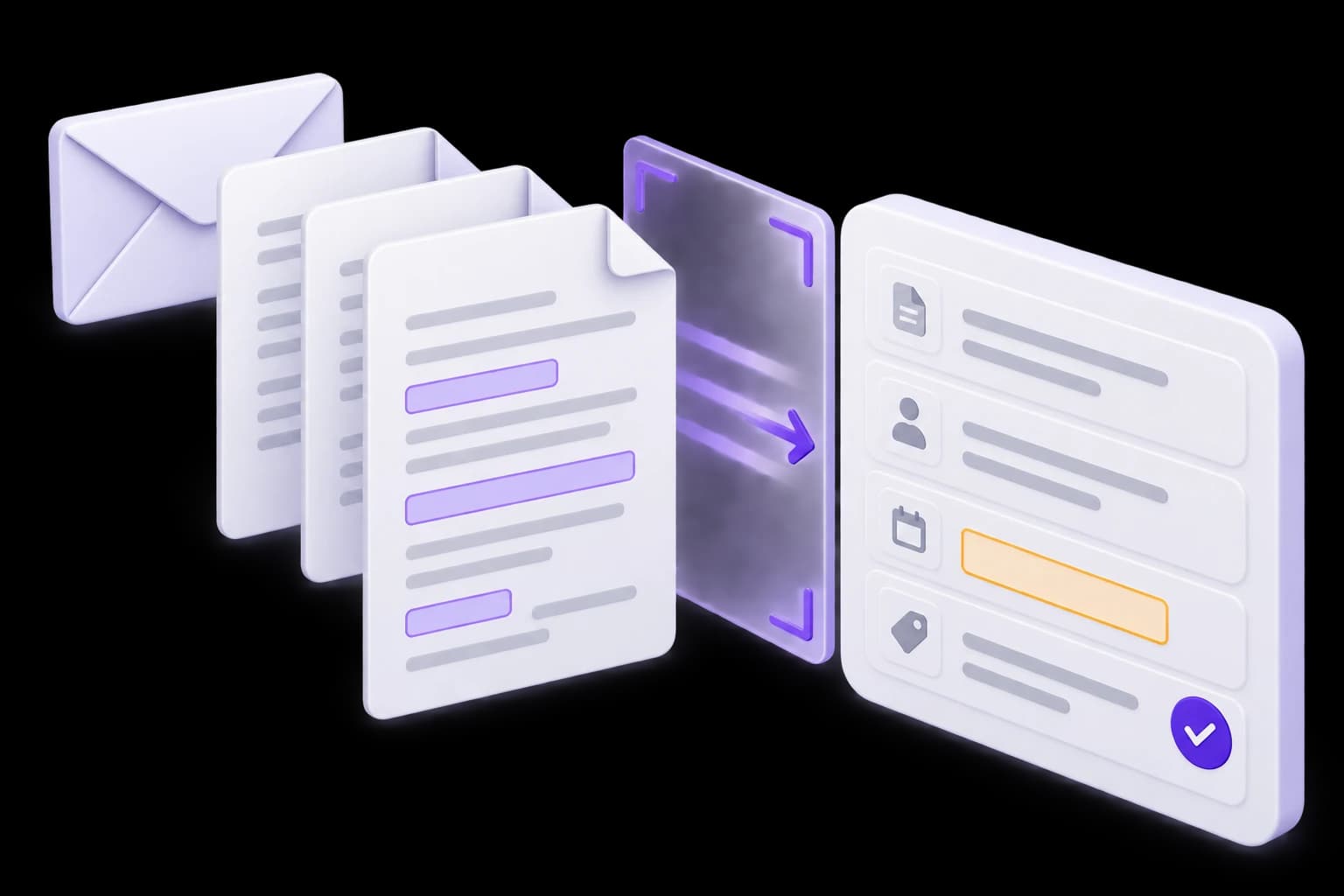
We build AI processing for invoices, applications, emails and other incoming material. The system identifies the type, extracts relevant fields, validates them and passes the result into your workflow. Ambiguous cases go to your team for review.
From an incoming file to a reviewed record.
Which incoming workload takes up your time?
Different document types need different rules. Start with one document type or workflow that can be evaluated clearly.
Invoices and supporting documents
Staff manually copy references, amounts and document numbers into another system. We define the fields and validation needed before handing over a record.
Customer emails and inquiries
Messages need to be read, categorized and assigned. We help prepare the category, summary and relevant details for a work queue.
Applications and document packs
Information arrives across different files, with some fields missing. The system can assemble an agreed set of data and highlight what needs clarification.


FROM SOURCE TO FIELDS
See the result — and what still needs review
Choose an example. Extracted fields are tied to the source text, and missing values are not invented.
Fictional examples. No files are uploaded, recognized or sent to another system.
Incoming material
Invoice DEMO-014. Supplier: Demo Company. Amount due: 12,400 UAH. No payment due date is provided in this example.
Prepared fields
- Number
- DEMO-014
- Supplier
- Demo Company
- Amount
- 12,400 UAH
- Due date
- Not provided
Found in source
Found in source
Found in source
Missing information
Next step
Clarification needed
Check the due date before sending the record to the accounting system. No payment is initiated.
Invoice
Invoice DEMO-014. Supplier: Demo Company. Amount due: 12,400 UAH. No payment due date is provided in this example.
- Number: DEMO-014 (Found in source)
- Supplier: Demo Company (Found in source)
- Amount: 12,400 UAH (Found in source)
- Due date: Not provided (Missing information)
Clarification needed
Check the due date before sending the record to the accounting system. No payment is initiated.
Inquiry
“I have not received the parcel for order DEMO-032. Could you tell me where it is?”
- Topic: Delivery (Found in source)
- Order: DEMO-032 (Found in source)
- Suggested queue: Delivery support (Rule-based suggestion)
- Parcel location: Needs a system lookup (Missing information)
Ready for operator review
Route the inquiry to the delivery team to check the status. Do not promise a date or issue a refund without the relevant information.
Extracting text is only the first step. Operational workflows also need validation, clear statuses and exception handling.
Exceptions should not disappear into the queue
After processing, the team should see what is ready, what needs clarification and why a record has not moved on.
Ready for the next step
Required fields are present, formats are valid and checks have passed. The next handoff follows agreed rules.
Needs review
An unclear passage, conflicting value or unfamiliar format enters a separate review queue with an explanation.
Processing history is available
Source material, corrected fields and handoff outcomes can be inspected. Retrying should not create duplicate records.



What can be automated
The steps depend on input quality, document types and the requirements of the receiving system.
- 01
Intake
Files, forms, email or an agreed integration channel, with defined format, size and duplicate-upload rules.
- 02
Text recognition
Add OCR for scans and images. Test readability on representative examples, including tables and unusual layouts.
- 03
Classification
Recognize agreed document types and inquiry topics. Unknown categories are not forced into an arbitrary match.
- 04
Field extraction
Extract agreed fields such as references, dates, amounts, line items or request details, retaining a link to the source.
- 05
Validation and normalization
Check required fields, formats and agreed business rules before writing to an operational system.
- 06
Routing and handoff
Prepare a record for a CRM, ERP or operator queue, with visibility into results, retries and errors.


How we design the processing workflow
Evaluate the whole document journey, not just one recognized passage.
01. Collect representative samples
Review typical, difficult and incomplete inputs. Identify cases that must reach a human reviewer.
Representative samples and cases requiring human review.02. Agree fields and rules
Define field values, validation rules and statuses, and identify the authoritative system for reference data.
Agreed fields, validation rules and statuses.03. Evaluate processing
Test recognition, extraction and classification against a separate evaluation set. Review errors by type.
Evaluation results and common error patterns.04. Build review and handoff
Build exception review and agreed integrations. Test corrections, retries and duplicate handling.
A review interface and connected integrations.05. Launch on a limited workload
Start with agreed document types, monitor errors and add formats after evaluating them.
Pilot processing for agreed document types.


ESTIMATE
Show us what comes in and where it needs to go
For an initial discussion, anonymized examples, required fields and a description of the current manual process are useful.
Discuss document processingFormats and quality
Which file types, languages, tables and scan quality levels occur?
Fields and checks
Which values are required and how does the team check correctness?
Receiving system
Where does the result go and is an API available?
Workload and exceptions
How much material arrives and who reviews ambiguous cases?


QUESTIONS & ANSWERS
Questions about document processing
Turn incoming documents and inquiries into validated fields and the next workflow step. Not autonomous decision-making or simply chatting with a PDF.

Questions and answers
START WITH REPRESENTATIVE SAMPLES
Which information does your teamstill copy by hand?
Show us the incoming material and the required result. We will identify what can be processed automatically and where review is needed.