

AI INSIDE YOUR WORKSPACE
AI in your CRM and digital products.
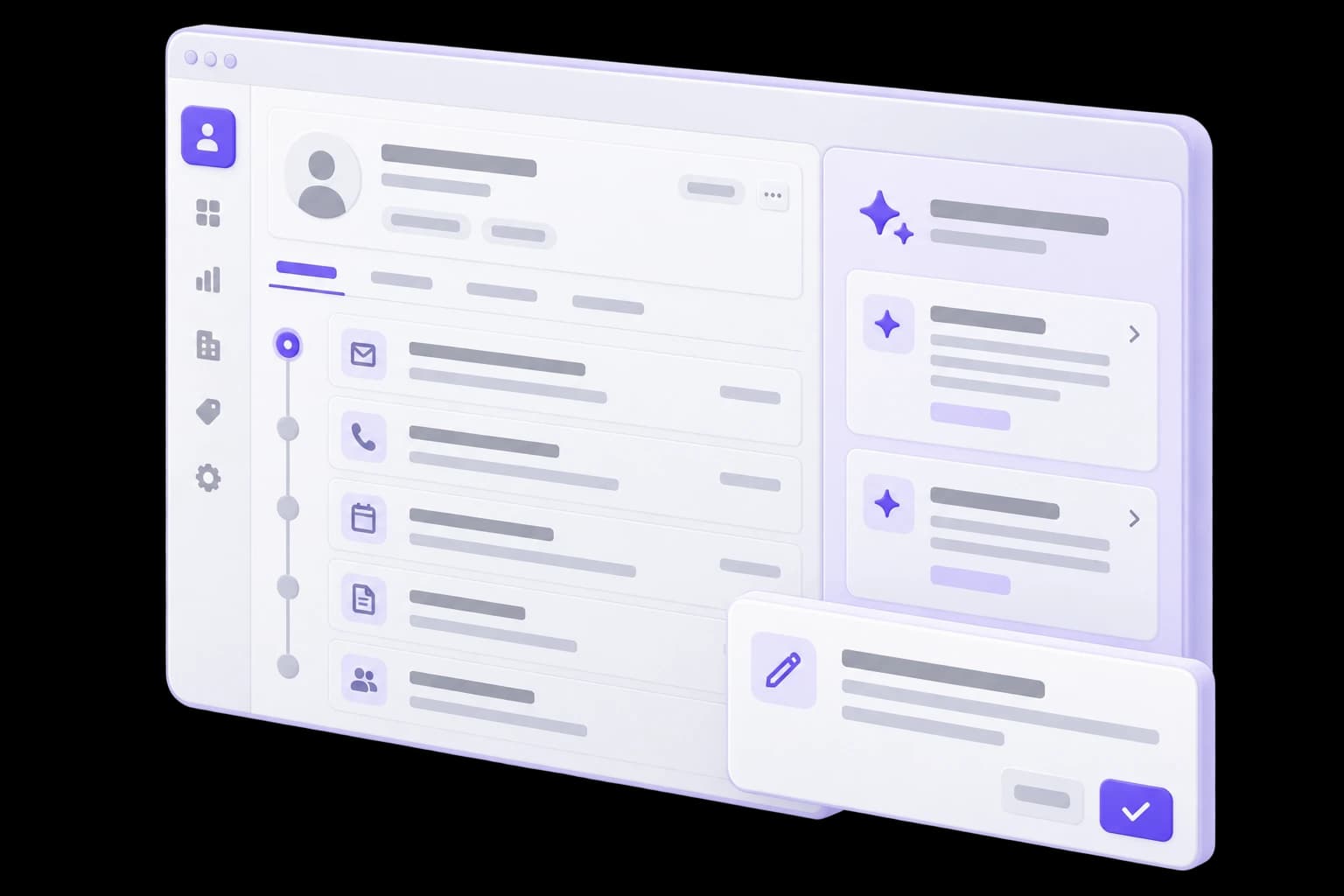
We embed AI assistance where your team already works: customer records, support requests and orders. Help employees understand the history, prepare a reply and complete information without switching between tools.
Your interface. Relevant context. Employee control.
CONTEXTUAL ASSISTANCE
Less time reviewing the history. More attention to the customer.
One customer record, three ways to help an account manager. Switch examples to see how the assistance changes without changing the underlying workflow.
Fictional data and predefined responses. No real records are changed.
Request context
Partner portal inquiry
- The customer needs a dealer catalogue with account-specific pricing.
- The account manager confirmed that the company already uses an ERP.
- Pricing groups, API access and the launch date are not yet confirmed.
Based on three source notes
What we know
The customer needs a dealer portal with account-specific pricing and integration with the existing ERP. Pricing rules, integration capabilities and the expected launch date are still needed to scope the project.
What we know
Based on three source notes
The customer needs a dealer portal with account-specific pricing and integration with the existing ERP. Pricing rules, integration capabilities and the expected launch date are still needed to scope the project.
Questions before scoping
Draft — not sent
Thank you for outlining the project. Could you explain how dealer prices are assigned, whether API documentation is available for your ERP, and when you would like the first release?
Suggested task for the account manager
Requires account manager review
Clarify the three open questions and request ERP documentation. Then define the first release scope. This suggestion needs review; no task has been created automatically.
The suggestion does not invent a budget or deadline. The team can see what is missing before making the next decision.
When AI belongs in your product
A practical starting point is a recurring task with available information and a clearly identified user.
Employees keep rereading the history
An account manager opens long conversations to understand a customer’s situation. A summary brings together key facts, open questions and references to the original records.
Every reply starts from scratch
Employees repeatedly look up information and write similar explanations. A contextual draft provides a starting point they can check and adapt.
Useful information stays inside messages
Needs, agreements and contact details never reach the relevant fields. AI can suggest field values alongside the source passage.


Features built around the task
We select useful capabilities rather than adding an AI button to every screen.
Conversation and record summaries
A concise account of events, customer needs and unresolved questions from the available history.
Message drafts
Replies informed by the context and company materials. The employee can edit the text before sending.
Suggested field values
Turn relevant facts into suggested field values, with source references and format validation.
Suggested next steps
Suggestions based on the request’s state and agreed rules. A recommendation does not change records without permission.
Knowledge next to the task
Find a relevant instruction or answer from approved materials without leaving the record.
Feedback on quality
Employees can flag an unhelpful suggestion, giving the team examples to improve rather than only a click count.


Experience with AI inside a digital product
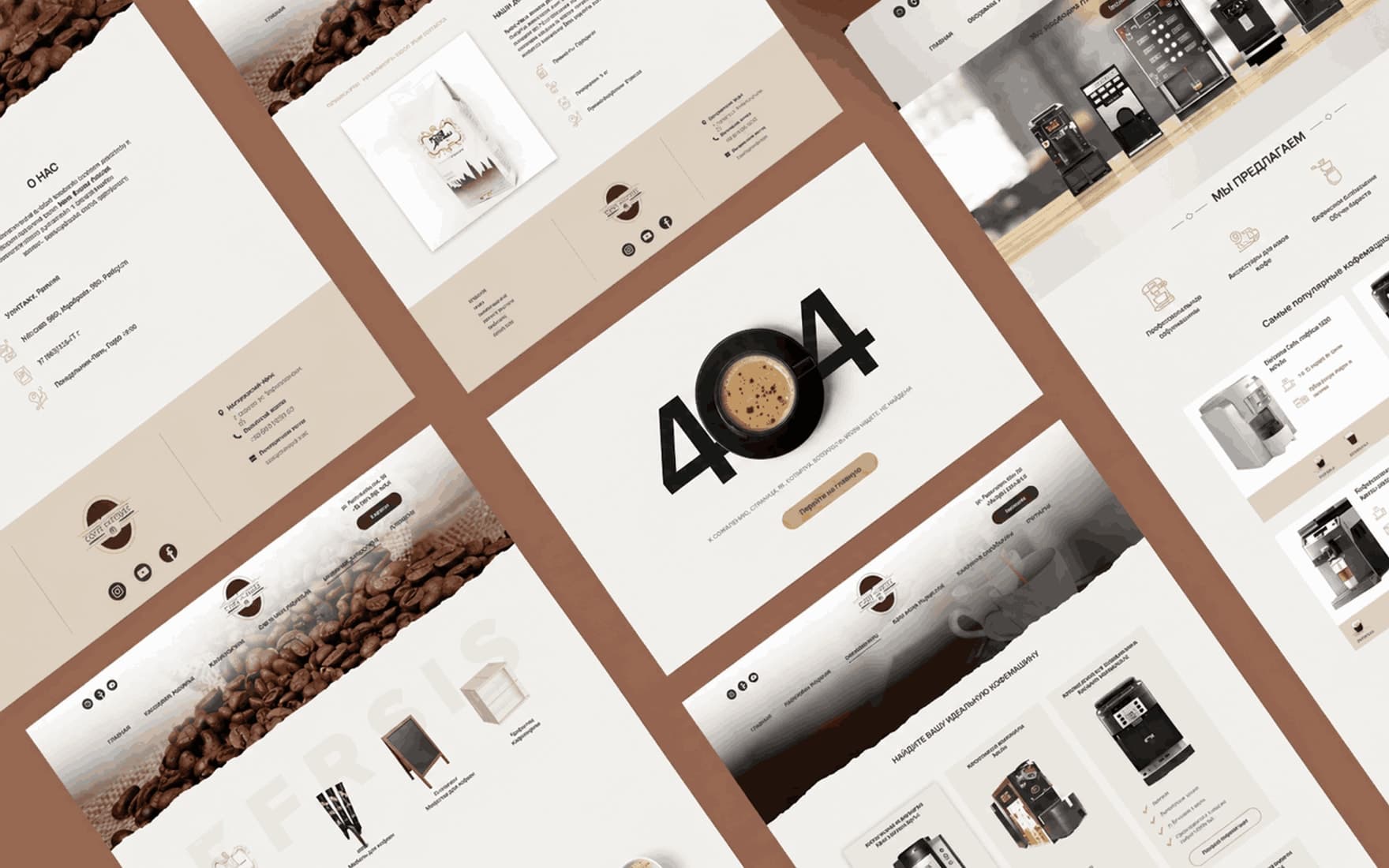
AI features in an e-commerce platform
The coffee e-commerce case uses AI for guided product discovery and personalized interaction. It is evidence of embedded product AI, not a separate CRM implementation case.
View the case studyAssistance should belong in the interface
An AI feature is useful when people understand where a suggestion came from and what happens if they use it.
Visible context
Make it clear which record, conversation or task the result belongs to. Keep different customers’ information separate.
Room to edit
Drafts remain editable. Suggested fields can be reviewed before they are saved.
A working fallback
A model error or slow response should not prevent employees from using the existing workflow.



From a workflow problem to a useful feature
Validate usefulness on one screen before extending the solution.
01. Understand the user’s task
Identify the repeated action, the information it needs and how to evaluate the result.
A task brief, required data and evaluation criteria.02. Design the assistance
Prototype the interaction: trigger, waiting, result, editing, errors and dismissal.
An interface prototype covering the main interaction states.03. Connect the context
Provide only the information needed for the task, respecting the employee’s access permissions.
Connected context that respects access permissions.04. Evaluate with the team
Compare suggestions with expected responses, collect failure examples and check responsiveness.
Evaluation findings and agreed improvements.05. Roll out gradually
Release to an agreed group, observe usage and refine the interaction.
A pilot feature and user feedback.


ESTIMATE
Which feature should come first?
Show us a working screen and a time-consuming task. We will use that to identify the required context, prototype format and dependencies.
Discuss an AI featureUser and task
Who will use the suggestion, and what decision do they need to make?
Available information
Which records, conversations and materials may be used?
System capabilities
Can the interface be changed, extensions added or APIs used?
A useful outcome
What will the employee review, edit and save after receiving the suggestion?

QUESTIONS & ANSWERS
Questions about AI in CRM and products
In-interface assistance: summaries, drafts and suggestions. Not an autonomous agent or a CRM replacement.

Questions and answers
START WITH YOUR INTERFACE
Show us a task your teamrepeats every day.
We will identify where AI assistance would help, which information it needs and how to embed it without adding friction.