

AI AGENTS & ASSISTANTS
AI agents and assistants for your workflows.
We build assistants that understand a request, find the relevant information and carry out agreed actions in your systems. Each workflow defines what the agent can handle and when your team takes over.
Start with one workflow and a clearly defined outcome.
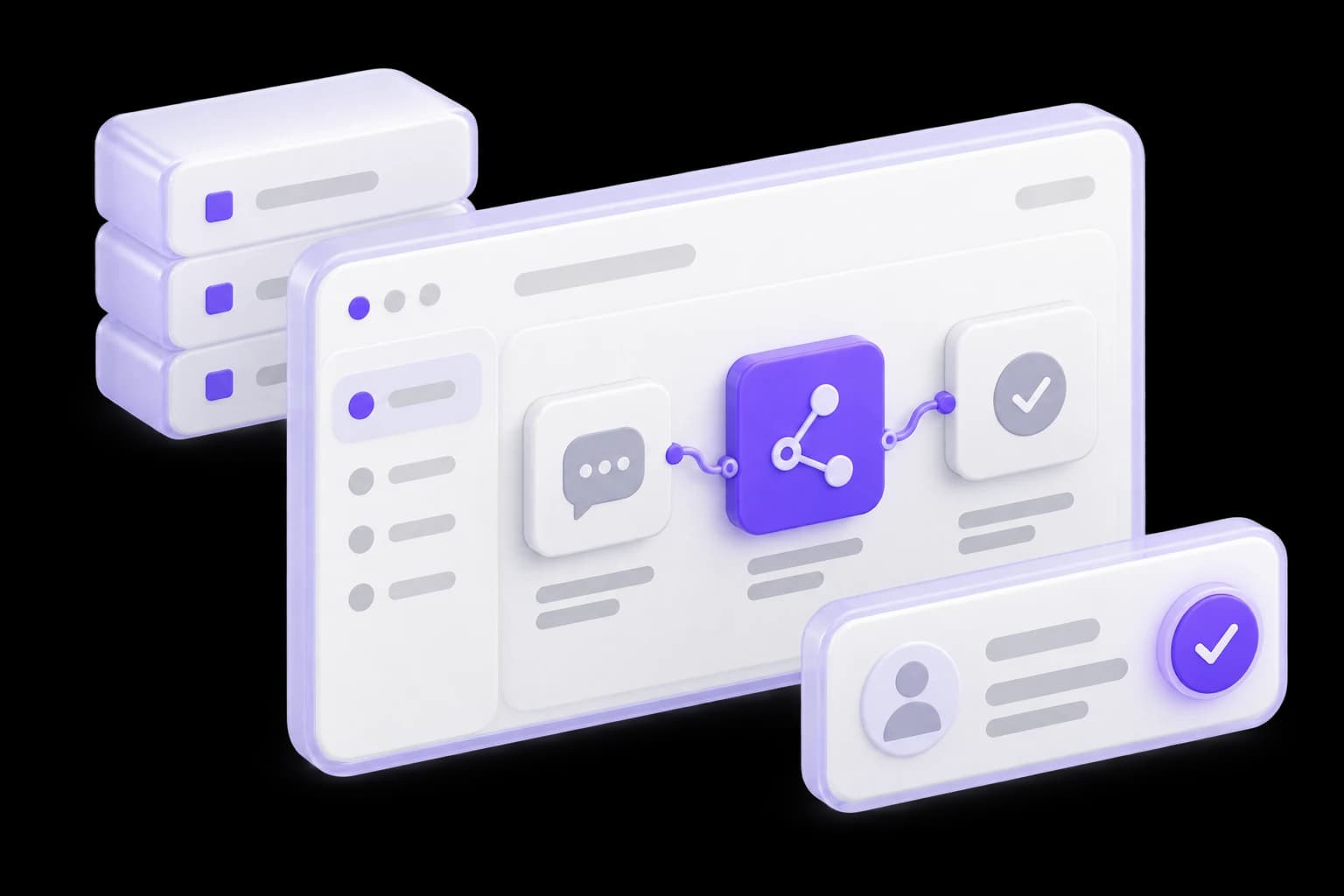
Where an assistant can take on work
A useful scenario has a specific task, accessible information and a clear completion point.
Support with context
The assistant clarifies a request, reads the permitted support history and prepares a reply. When the case needs judgment, it hands over the facts it has gathered.
First-contact sales assistance
It gathers a prospect’s needs, explains your offer using current materials and prepares a record for the salesperson. Prices, discounts and commitments stay within agreed rules.
Internal team requests
It gathers information, prepares a task or starts an approved workflow. Employees can see what has been completed and which decisions still need their input.


A WORKFLOW IN PRACTICE
From a request to an approved action
This example shows an assistant preparing an internal task. Action and approval boundaries are tailored to your process.
Illustrative scenario. No AI calls or real actions are performed.
Request received
“The customer needs two more users. Gather the context and prepare a task for the account manager.”
Draft ready
The assistant finds the customer record and account owner. In this example, its permission covers reading that information and preparing a task draft.
Awaiting human approval
The draft includes the customer’s request, owner and record reference. Creating the task requires confirmation. The assistant does not add users or change billing.
Illustrative completion path
In the implemented workflow, approval permits task creation. The result and any integration error are recorded. This demonstration does not create a task.
01 · Request
Prepare a task for the account manager
Request received
“The customer needs two more users. Gather the context and prepare a task for the account manager.”
02 · Context
Relevant information gathered
Draft ready
The assistant finds the customer record and account owner. In this example, its permission covers reading that information and preparing a task draft.
03 · Approval
The team reviews the draft
Awaiting human approval
The draft includes the customer’s request, owner and record reference. Creating the task requires confirmation. The assistant does not add users or change billing.
04 · Outcome
After approval, a traceable action
Illustrative completion path
In the implemented workflow, approval permits task creation. The result and any integration error are recorded. This demonstration does not create a task.
The assistant proposes an action; the application checks permissions and execution rules.
What goes into your AI agent
We choose the components around your workflow, channels and available systems.
Context and sources
Connect approved materials and data, with clear rules for freshness and how they can inform a response.
Actions in your systems
Design API access for specific operations: retrieve a status, prepare a record or create a task after approval.
Conversation continuity
Retain useful conversation context within agreed boundaries so users do not have to repeat the same explanation.
Human handoff
Pass the request on with its context, completed steps and the reason a person needs to take over.
Scenario evaluation
Evaluate common requests, ambiguous instructions, missing information and tool failures against an agreed set of examples.
Activity and usage visibility
Record action outcomes, errors and model usage, giving the team a practical basis for oversight and improvement.


The task determines the level of autonomy
Some workflows need a prepared answer. Others need tools, multiple steps and approval before changes are made.
Answer
The assistant explains information from permitted sources and asks clarifying questions.
Prepare
It prepares a message or record that an employee can edit before using.
Carry out an approved action
It acts within permitted operations; changes above an agreed risk threshold require confirmation.


Experience in workflow automation

AI automation platform and workflow system
Draxon’s portfolio includes a platform with intelligent intake, workflow orchestration, integrations and an operator workspace. It demonstrates experience connecting AI to operational processes.
View the case studyHow we launch a working assistant
Each stage produces something the team can review and agree on.
01. Choose the first workflow
Define the requests, accountable owner and completion criteria. Identify steps that can be handled by ordinary automation rules.
An agreed workflow and completion criteria.02. Design the workflow
Specify tools, information, permissions, approvals and handoff. The result is a clear description of the assistant’s behavior.
A workflow map with approvals and human handoff.03. Evaluate a prototype
Run examples in a test environment, investigate failed responses and estimate usage costs per workflow.
An evaluated prototype and test findings.04. Connect operational systems
Add agreed integrations, error handling and activity logs. Check that retries do not trigger unintended duplicate actions.
Working integrations and activity logs.05. Launch and observe
Start with an agreed user group, collect feedback and extend the workflows based on observed behavior.
A pilot release and an improvement plan.


ESTIMATE
What we need to scope the work
Show us one typical workflow and a few representative requests with unnecessary personal information removed. We will use the discussion to define the pilot scope, dependencies and estimation approach.
Discuss your AI agentTask and boundaries
What should be complete at the end, and which decisions require human input?
Systems and access
Where is the information, which APIs are available and who can approve access?
Volume and channels
Where do requests arrive, how many are there and what response times matter?
Quality criteria
Which outcomes count as success, and when should a person take over?
QUESTIONS & ANSWERS
Questions about AI agents and assistants
Multi-step tasks, tools, approvals and human handoff. This page does not replace the separate services for knowledge search, document processing or in-app CRM assistance.

Questions and answers
LET’S DISCUSS YOUR WORKFLOW
Which task would you likean AI assistant to handle?
We will explore the workflow, required information and action boundaries, then identify a useful first scenario to test.